Activation code ChemDraw
First; you need to have installed ChemDraw version 23.0 or newer. Working on an older version? Deinstall the older version and install version 23.1.2
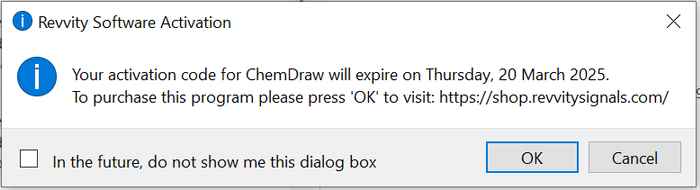
When you receive this notification in ChemDraw;
Go to the tab 'Help'and 'Licensing' in ChemDraw:
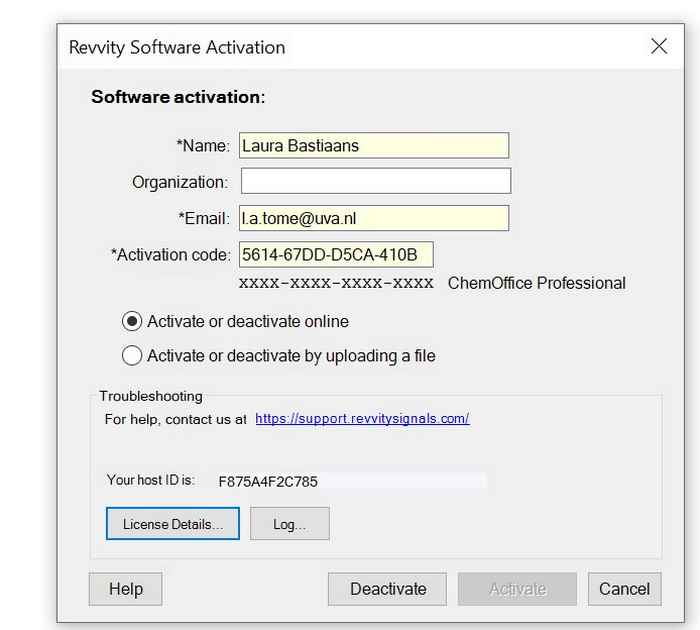
Click on 'Deactivate'. You will see this:
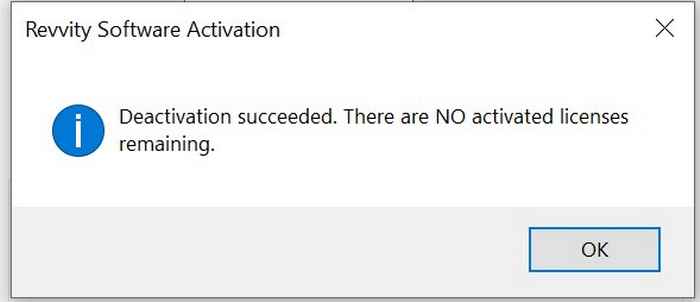
Click on 'OK' and click on 'Cancel' (do not click on 'Activate'!). Restart ChemDraw. Then you will see this:
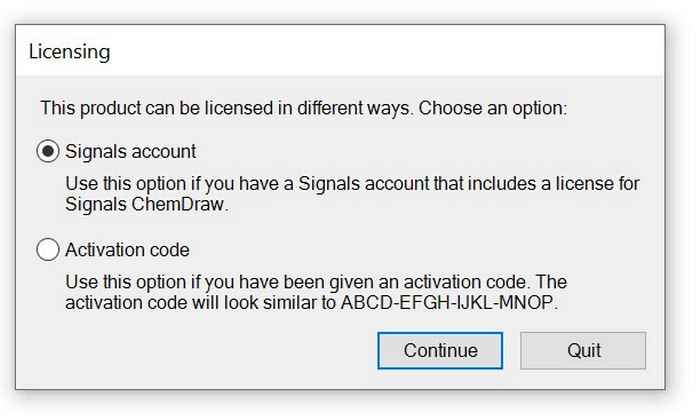
Select 'Signals account' (don't select 'Activation code') and click 'Continue'. You will see a notification with 'Sign In to Signals':
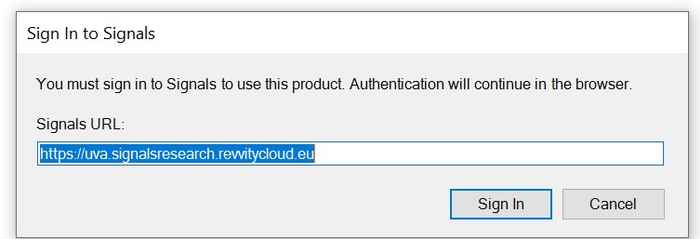
Fill in this URL: https://uva.signalsresearch.revvitycloud.eu and hit 'Sign in'. A new browser will open with these questions:
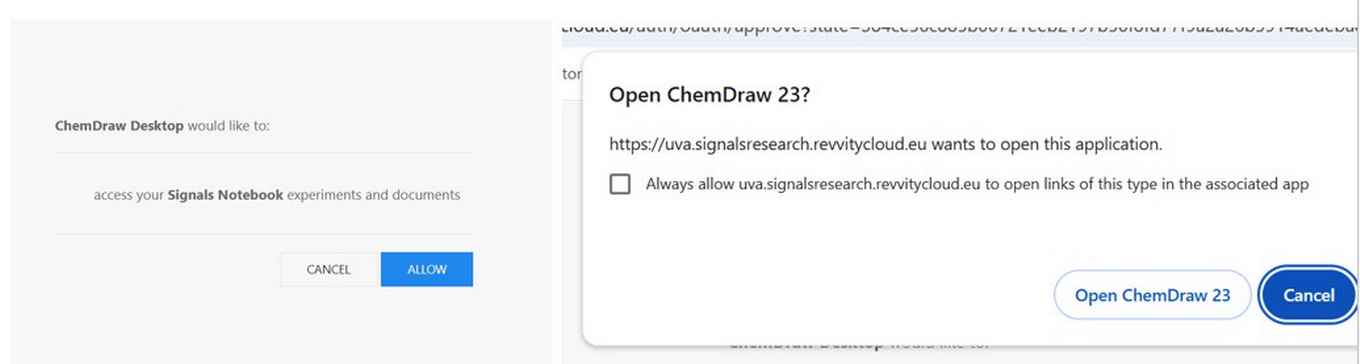
Hit 'Allow' and 'Open ChemDraw 23'. Then you will see this notification in ChemDraw:
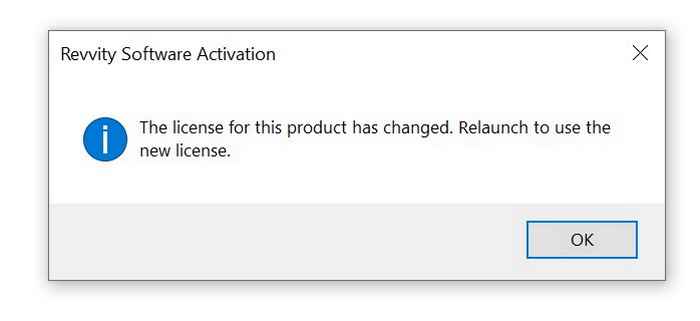
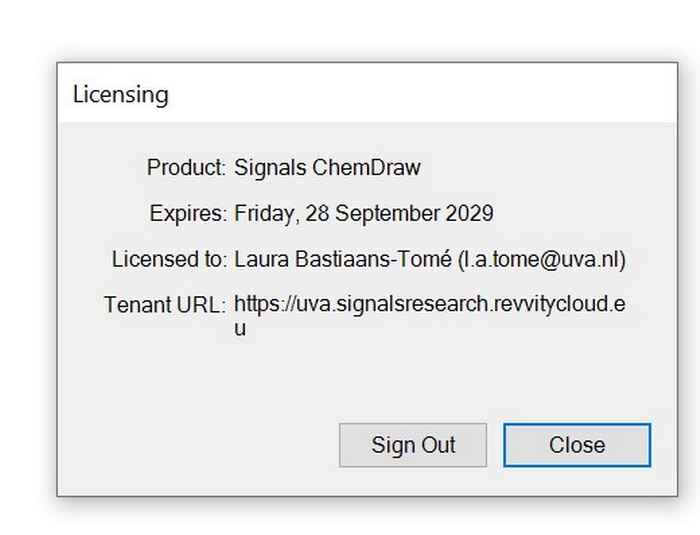
Click on 'OK'. ChemDraw will resytart itself. When you look under 'Help'and 'Licensing', you will see that you have the new license that will expire in September 2029:
Need help? Send an email to ict-hims-fnwi@uva.nl